This high-school research project explores remote robot driving with AI-RAN-assisted communication control. The project combines a smart robot car, a gaming steering wheel, and wireless communication control to help students understand robotics, networking, and intelligent control.
Remote robots depend on wireless connectivity for command delivery, video feedback, and safe operation, especially when latency, congestion, coverage, and changing radio conditions affect the control loop. This project uses a remotely operated robot to demonstrate how O-RAN can connect wireless-network intelligence with physical systems and support future network-aware control.
Project Focus
- Remote robot driving and control
- Wireless communication for robotics
- AI-assisted network adaptation
- Hands-on learning for high-school research students
Why O-RAN?
O-RAN introduces an open and software-driven architecture in which xApps can be deployed on the RAN Intelligent Controller. This enables network functions and application logic to be developed, updated, and extended without rebuilding the underlying radio system.
For remote robotics, an xApp can act as a common control and coordination layer that can:
- Process commands from remote operators
- Observe robot and application state
- Incorporate RAN measurements into control decisions
- Apply safety or resource-management policies
- Coordinate multiple robots or wireless devices
- Support future AI-assisted network adaptation
The broader goal is to demonstrate how O-RAN can support applications whose behavior is closely linked to wireless-network performance.
Project Setup and Steering Architecture
The prototype uses a PC-based operator station, a ROS2 robot platform, and the private O-RAN testbed to drive the robot over a cellular link.
- Operator GUI: reads steering, acceleration, and braking inputs from the Logitech steering wheel and pedals connected to the PC, then sends corresponding curl-based commands to the steering xApp.
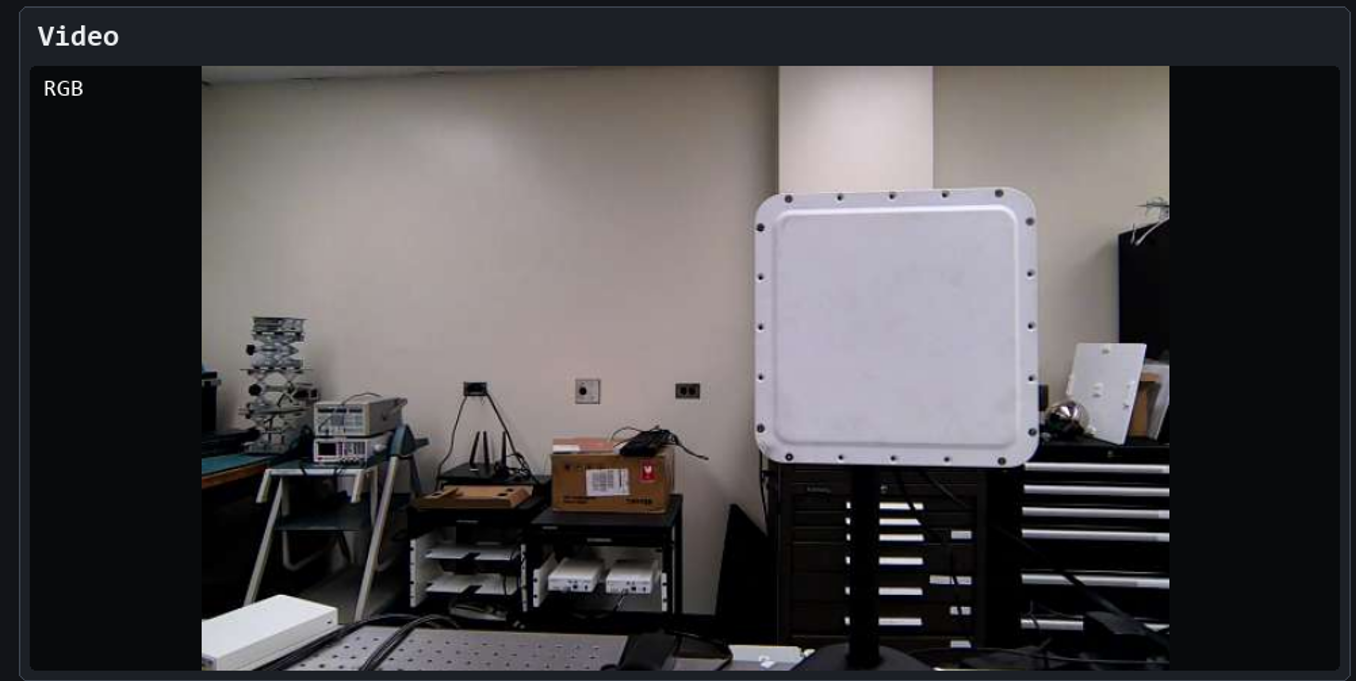
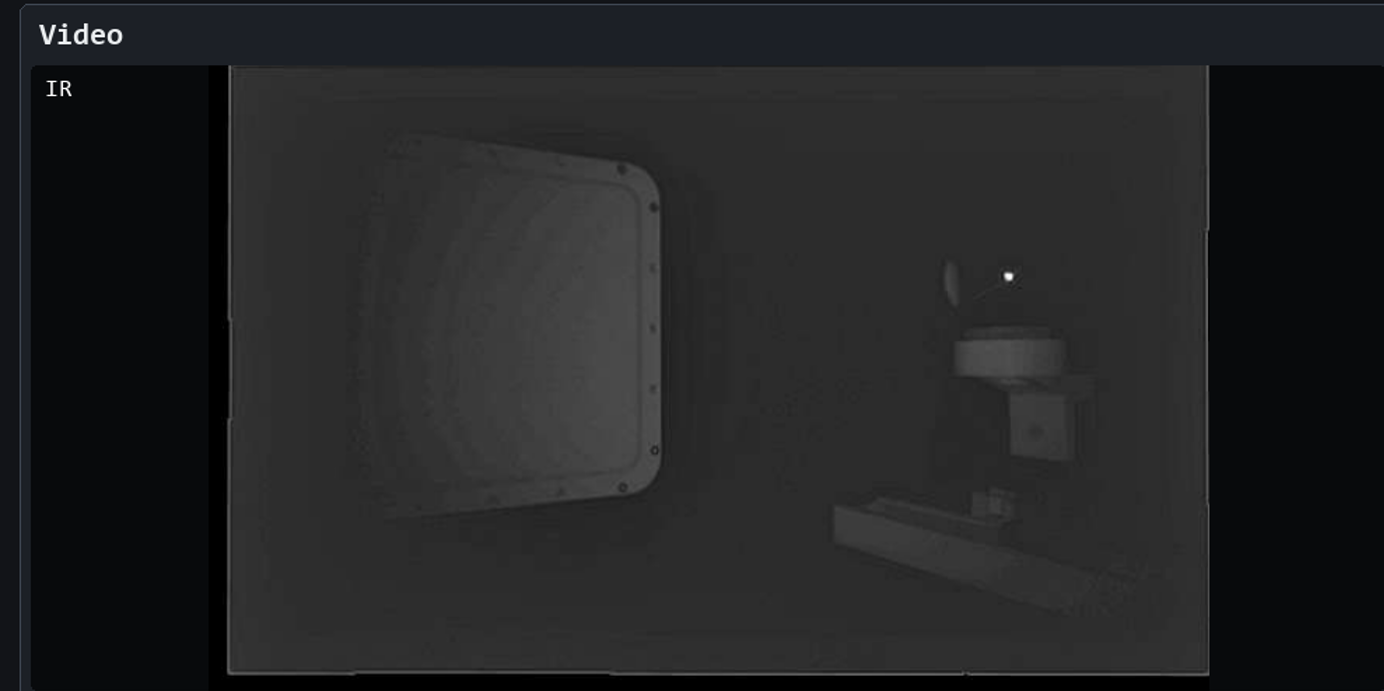
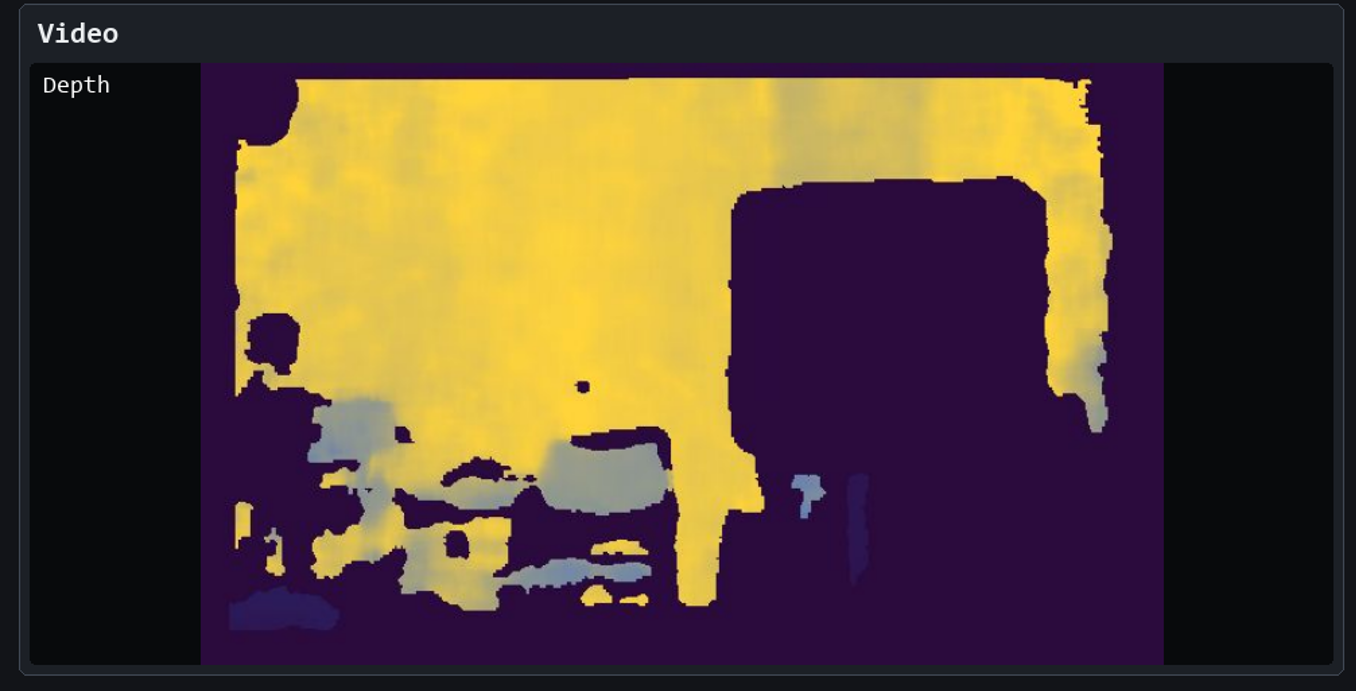
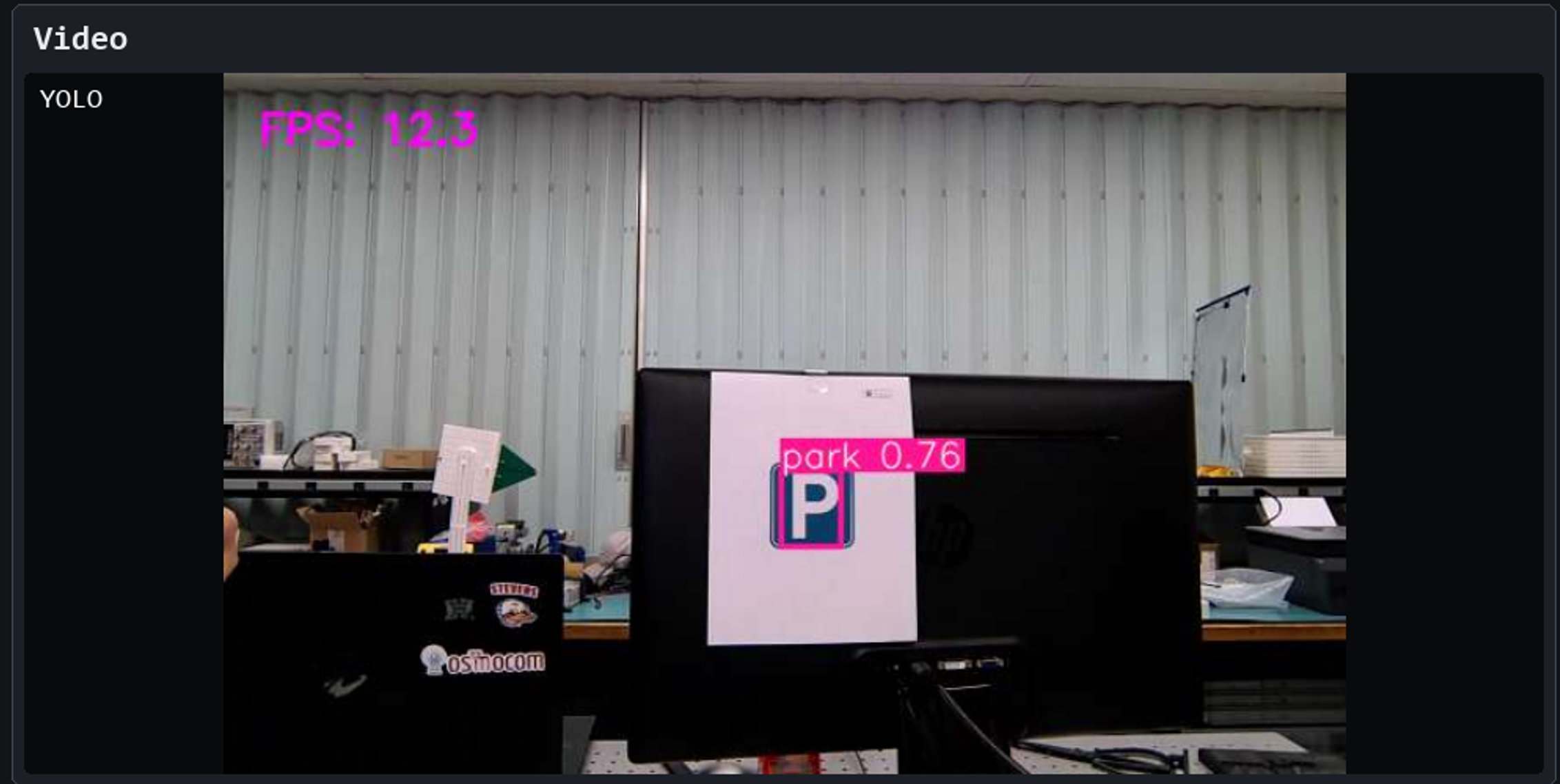
- Video control: plays the robot video stream in the selected mode, including normal, IR, depth, and YOLO-assisted views.
- Steering xApp: acts as the middle layer between the GUI and the robot. It receives driving and video-control commands, converts them into ROS2 commands, and forwards them toward the robot.
- Robot platform: executes the ROS2 commands and carries a Quectel modem with a programmed SIM card for cellular connectivity.
- O-RAN/gNB path: carries the translated commands through the USRP-X310 gNB, connected to the O-RAN computer, so they can be executed on the robot.
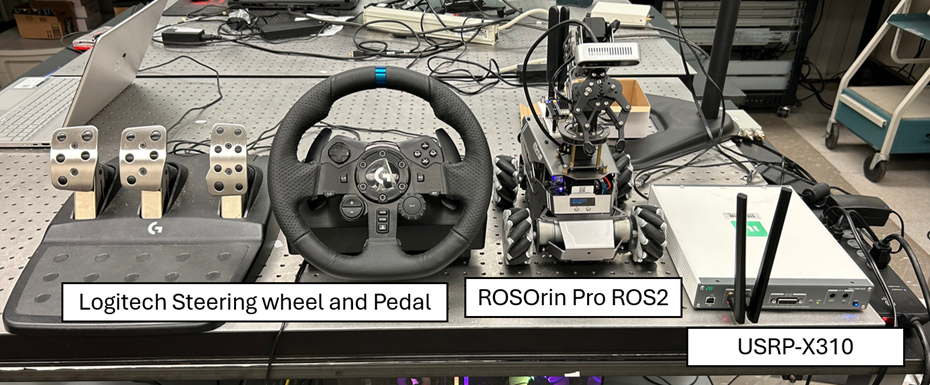
Prototype Demonstration
The implemented dashboard demonstrates end-to-end control through the steering xApp. It combines the live robot video feed, connection status, camera mode selection, driving controls, arm servo readouts, key mappings, and command logs in one operator interface.
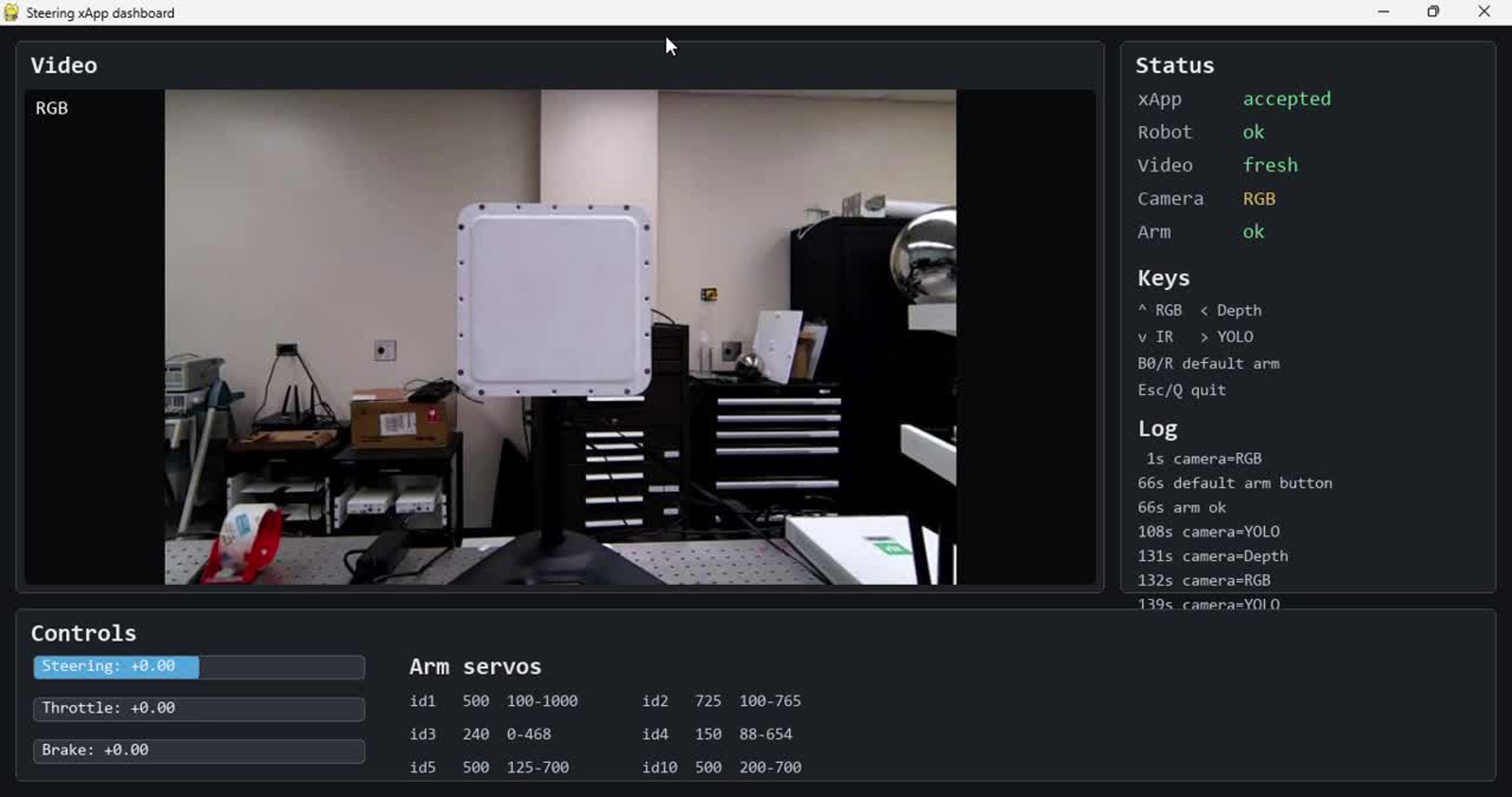
The right-side status and log pane updates as commands are accepted, camera modes are changed, and video freshness is reported. The lower control pane tracks live steering, throttle, brake, and arm-servo values while the robot is operated.
The following demo shows how this interface translates into operation: the robot motion is shown alongside the operator’s point of view during remote driving.
During operation, the same dashboard can switch the incoming robot feed between standard camera feedback, sensing views, and AI-assisted perception modes.